Cricbet99 Login Guide: Get In, Use Your Account, Stay Protected
A straightforward look at the Cricbet99 login: the steps you follow to get in, what sits in your account area, how you clear frequent sign-in issues and how you guard your details.
On Cricbet99, you almost always start by signing in, and that first step is where your account's security matters most. Below you learn how the Cricbet99 login works, what your account shows once you are in, how you sort out the sign-in snags people meet most, and which routines keep your username, password and balance safe.
What You Get on Cricbet99
Cricbet99 presents itself as a cricket-focused online platform. You get sports exchange markets, pages for live matches and a dedicated live casino area. Cricket is the core of the site, and the Live Now page lists games under way. You need an account for many of these features, so a safe, dependable sign-in habit deserves a few minutes of your time.
Signing In: Your Steps
You only need a handful of steps:
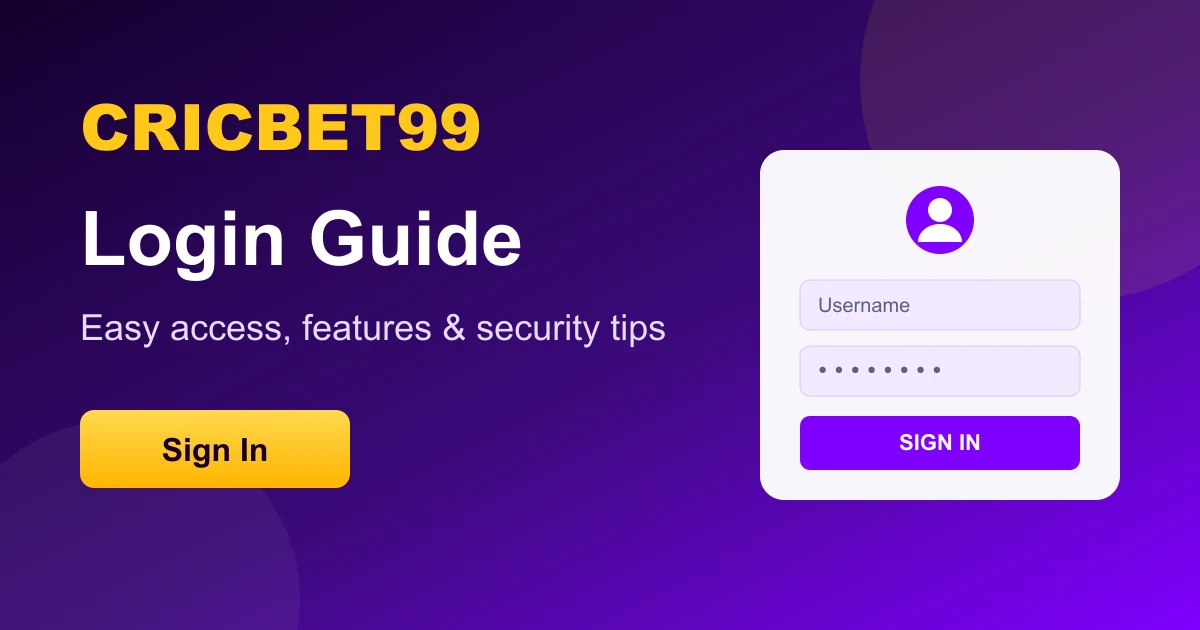
- Load the official Cricbet99 homepage in your browser. Enter the address by hand or use a bookmark you made earlier. Do not click links from people you don't know.
- Inspect the address bar. The domain must be spelled right, and you should see the HTTPS padlock.
- Click the Sign In button at the top of the page.
- Fill in the username you chose at registration.
- Fill in your password, with Caps Lock off.
- Finish by clicking Sign In.
Correct details open your account area. Incorrect ones trigger an error message on the form. You can then retry or work through the fixes further down.
Your Account Once You Are In
After you sign in, your account area groups several tools in one place. The layout may change, but you will usually see these:
- Scores and status: live scores and match status on the cricket and in-play pages.
- Your account summary: where you check your profile, balance and past activity.
- Deposits and withdrawals: whichever deposit and withdrawal options are supported at present. Timings and limits vary by method and by the current terms, so read them first.
- Any device: your login works in both desktop and mobile browsers.
- Where to get help: the Help Center, FAQ and rules pages tell you how accounts and markets function.
Login Snags You May Hit, and the Fix for Each
Login trouble usually has a simple cause. Go through the checks below one by one and you will fix most issues.
Your details are rejected
Type both fields again, slowly. Passwords care about upper and lower case, so check Caps Lock and your keyboard language. Autofill sometimes drops in an outdated password, so enter it by hand instead. If you really can't recall it, click "Forgot password?" on the login form. You then reach the site's support channel, which handles resets.
Pages crawl or refuse to open
Test your internet, flip from Wi-Fi to mobile data or back, or open another browser. If pages look broken or stale, clear the site's cache in your browser.
You never finished signing up
You can't log in before you finish registering. If you left sign-up halfway, go back, complete it, then try to sign in again.
The site is down for upkeep
Cricbet99, like every website, can go offline now and then for maintenance or a technical fault. When that occurs, pause for a while and retry later. Don't keep resubmitting your details.
Protect Your Cricbet99 Account
Your account's safety rests partly with the site and partly with you. These habits genuinely help:
- Check the URL each time. Fake sites can copy the real one almost perfectly. Go in through your saved bookmark and read the domain before typing anything.
- Keep passwords and OTPs to yourself. A real support agent never asks for your password or a one-time code. Treat any such request as a scam.
- Only trust support links you can verify. Reach support via links on the official site or the Help Center. Disregard phone numbers or accounts you spot in social media comments, forwarded chats or search ads.
- Never pay money to a person. Pay only through the payment pages in your account. Be suspicious of anyone who wants you to move funds into their personal UPI ID or bank account.
- Pick a strong, one-off password. Make it long, don't reuse it on other sites, and change it if you suspect a leak.
- Log out on shared devices. On a computer other people use, sign off before you walk away, and tell the browser not to keep your password.
- Switch on extra security options. If the site provides added security settings, go through them and activate the ones that suit you.
Logging In on Your Phone
The site is built for mobile browsers, so your phone login matches your computer login exactly. The safety rules don't change: check the address, skip public Wi-Fi for account tasks when you can, and keep your phone's software and browser updated. Should any pop-up or message push you to install software from an unfamiliar place before you can log in, stop there.
Quick Recap
You log in to Cricbet99 in a few steps: load the official site, verify the domain, key in your login details and press Sign In. Most failures come from typos, connection trouble or unfinished registration. To protect your account, keep your password private, refuse every OTP request and use only the support channels the official site lists.
Play Safely: The Basics
Cricbet99 betting features are for people aged 18 or over, and only in places where the law lets you take part. Count each stake as the price of your entertainment. Only stake money you can lose without harm. The site's Terms & Conditions name the restricted jurisdictions, and its responsible play page shows the tools and help you can use.
Frequently asked questions
How do I log in to Cricbet99?
Go to the official Cricbet99 site and pick Sign In at the top. Enter the username and password you registered, then confirm. Once both match, your account area appears.
I can't remember my Cricbet99 password. What now?
Pick "Forgot password?" inside the sign-in box. That link takes you to the site's support channel, where you request a reset. Contact support only through links on the official site. Never give anyone your password or a one-time code.
Does sign-in work on my phone?
Yes. The site runs in mobile browsers, and one username and password covers phone and desktop alike. Whatever device you use, glance at the address bar first, then enter your details.
My Cricbet99 login fails. Why?
Usual reasons: a typing slip in your username or password, Caps Lock switched on, a poor connection or a registration you never finished. Still stuck? Visit the Help Center, or use a support channel listed on the official site.
Does Cricbet99 support ask for passwords?
No one needs your password or an OTP, and that includes anyone presenting themselves as support staff. If someone asks, treat it as a red flag and end the chat.